


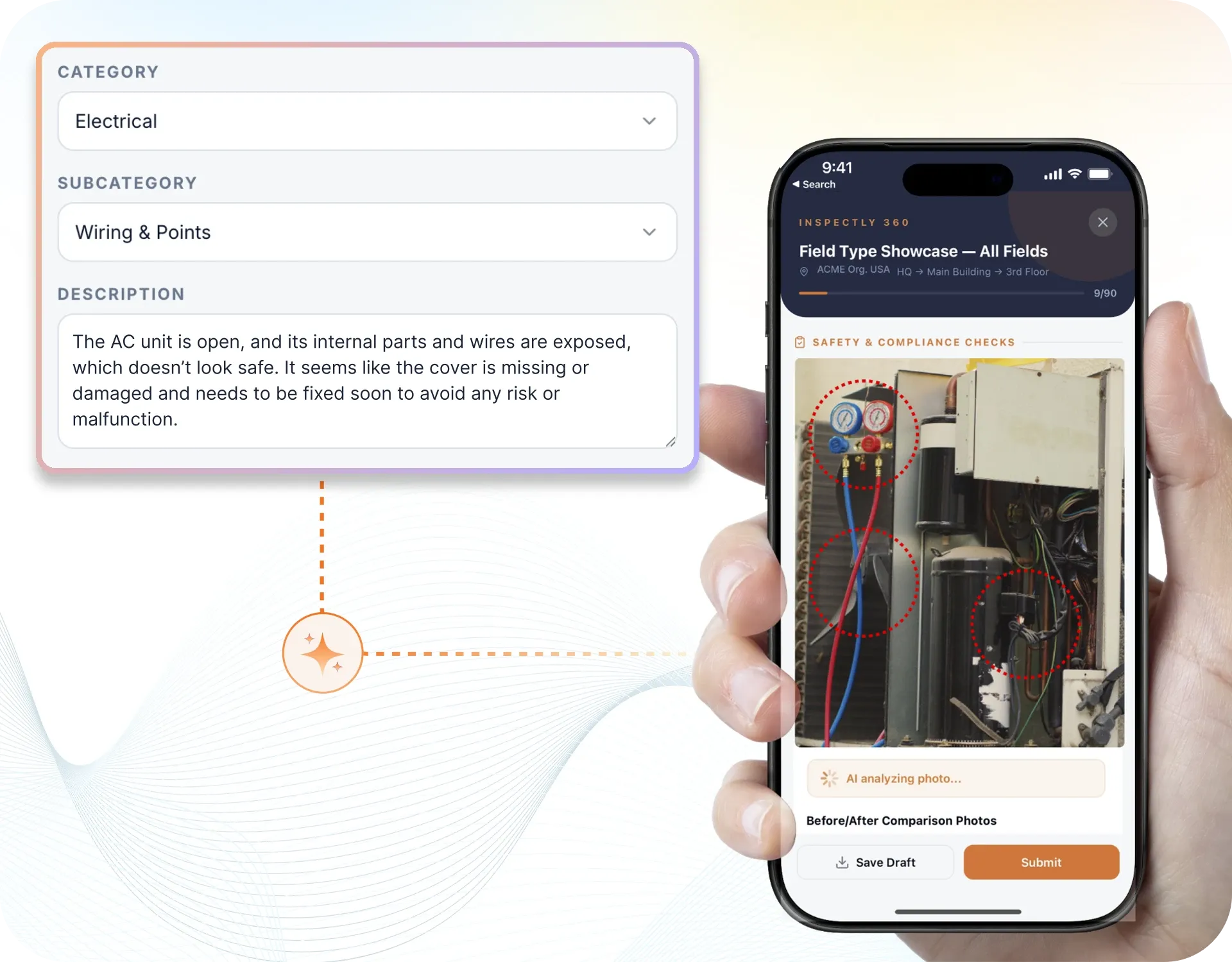
Take a Photo. AI Fills the Form
Your inspector takes a photo of any asset or defect. AI reads it and fills the inspection form automatically. No typing. No manual entry.

Convert your checklist into Mobile App
Replace paper checklists and spreadsheets with mobile inspections, AI verified photos, and audit ready reports that build themselves. From finding to fix, nothing slips through.
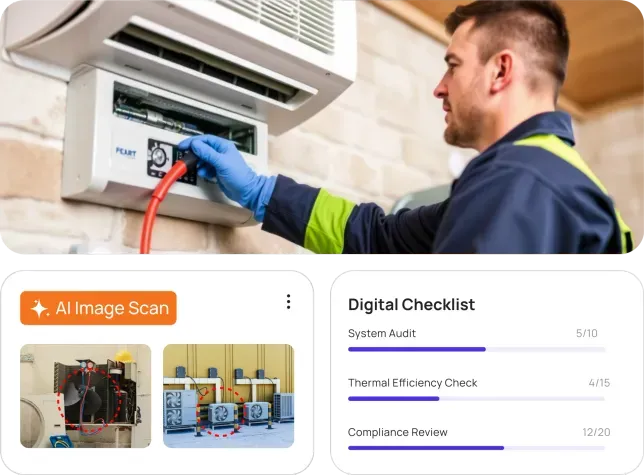
Most inspection programs do not fail for lack of effort. They fail because the work is trapped on paper, evidence is scattered, and no one can see the whole picture until something goes wrong.
Inspections live on clipboards and Excel, so results are re-keyed by hand, arrive late, and are impossible to compare across sites.
Evidence is scattered across chat threads and inboxes, so when a client or auditor asks for proof, no one can find it.
Head office waits for a Friday update and hears whatever a manager remembers, instead of seeing what is happening on the ground.
Issues are logged in a report and forgotten, so the same fault reappears audit after audit with no owner and no deadline.
A missed statutory check or an expired certificate surfaces during an inspection or after an incident, not before.
Someone spends an evening assembling a report from scattered photos and notes, long after the inspection is done.
Manage every checklist in one connected workspace, capture evidence on mobile at the point of work, and let AI turn field inputs into clear, stakeholder-ready reports in minutes.
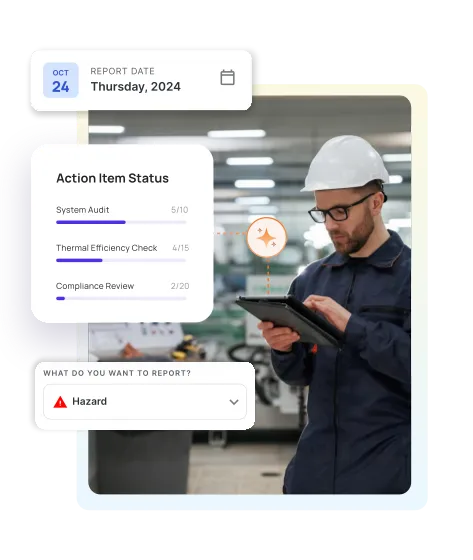
Replace paper and spreadsheets with mobile inspections and audit ready reports that build themselves. Verify work with evidence, photos, and action tracking, so nothing slips through.
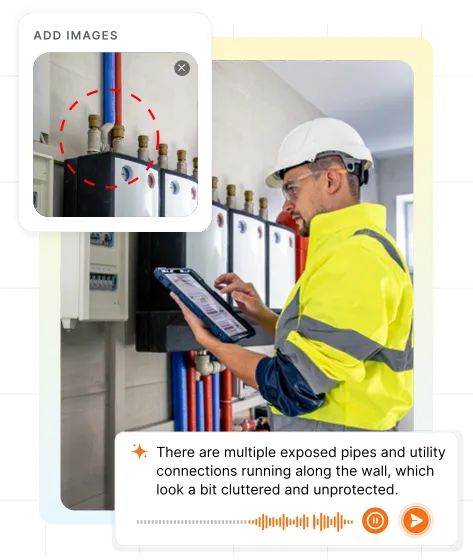
On device AI defect detection that compares photos against standards and flags defects, hazards, and damage in seconds without cloud processing. Voice AI lets field teams capture findings faster with less typing.
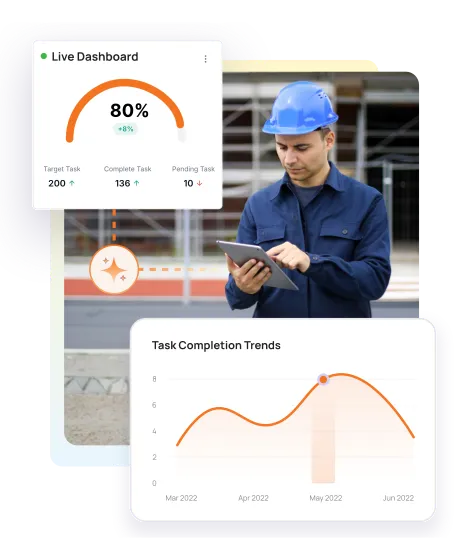
Can't see your top recurring fails or where to act? Stop guessing. One dashboard: see trends, compare sites, decide with data.
Everything your field team does on paper, Inspectly360 does automatically: faster, more accurate, and without the admin.
Your inspector takes a photo of any asset or defect. AI reads it and fills the inspection form automatically. No typing. No manual entry.
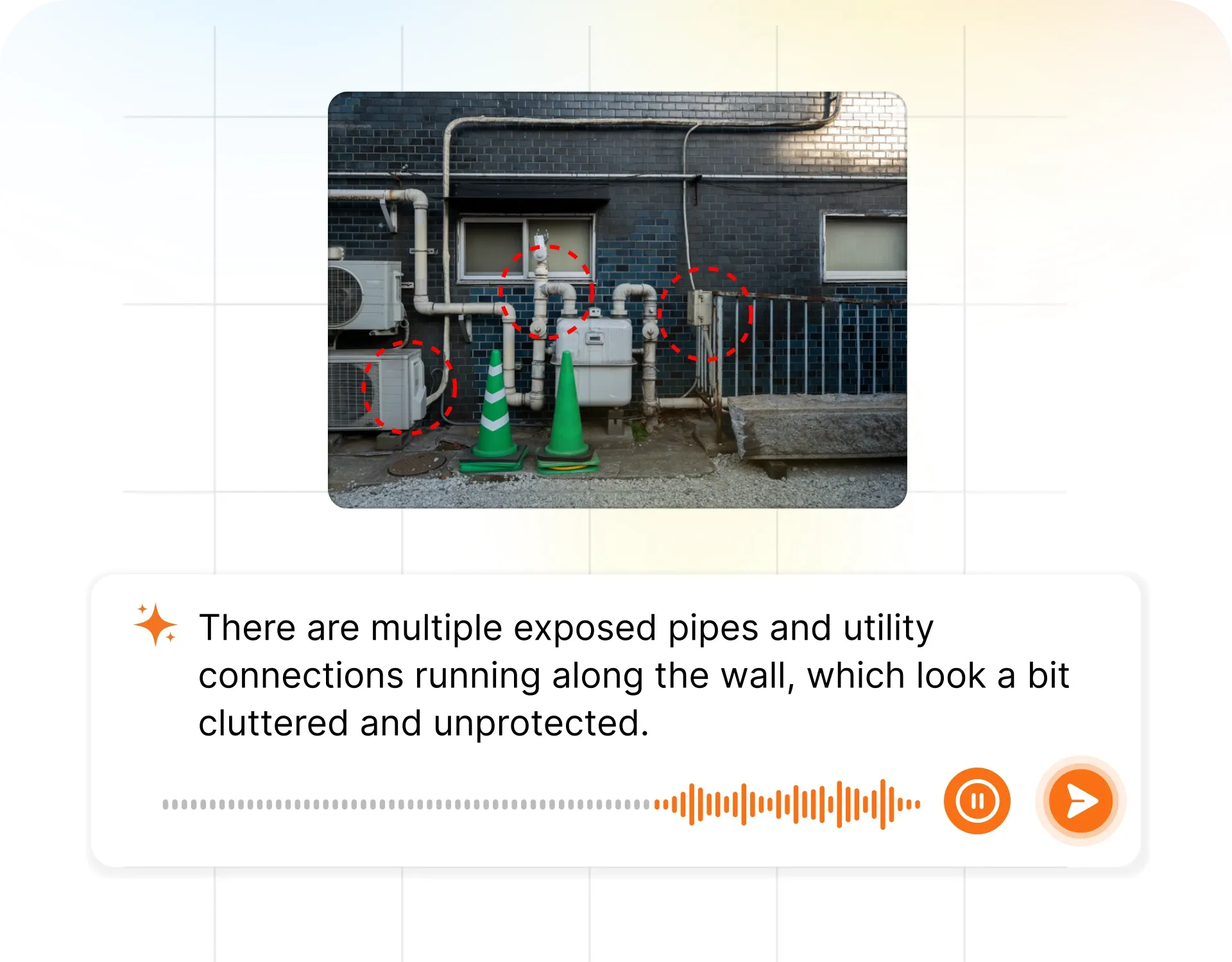
Inspectors speak their observations in any language. AI transcribes and fills the form in real time. Completely hands-free in the field.
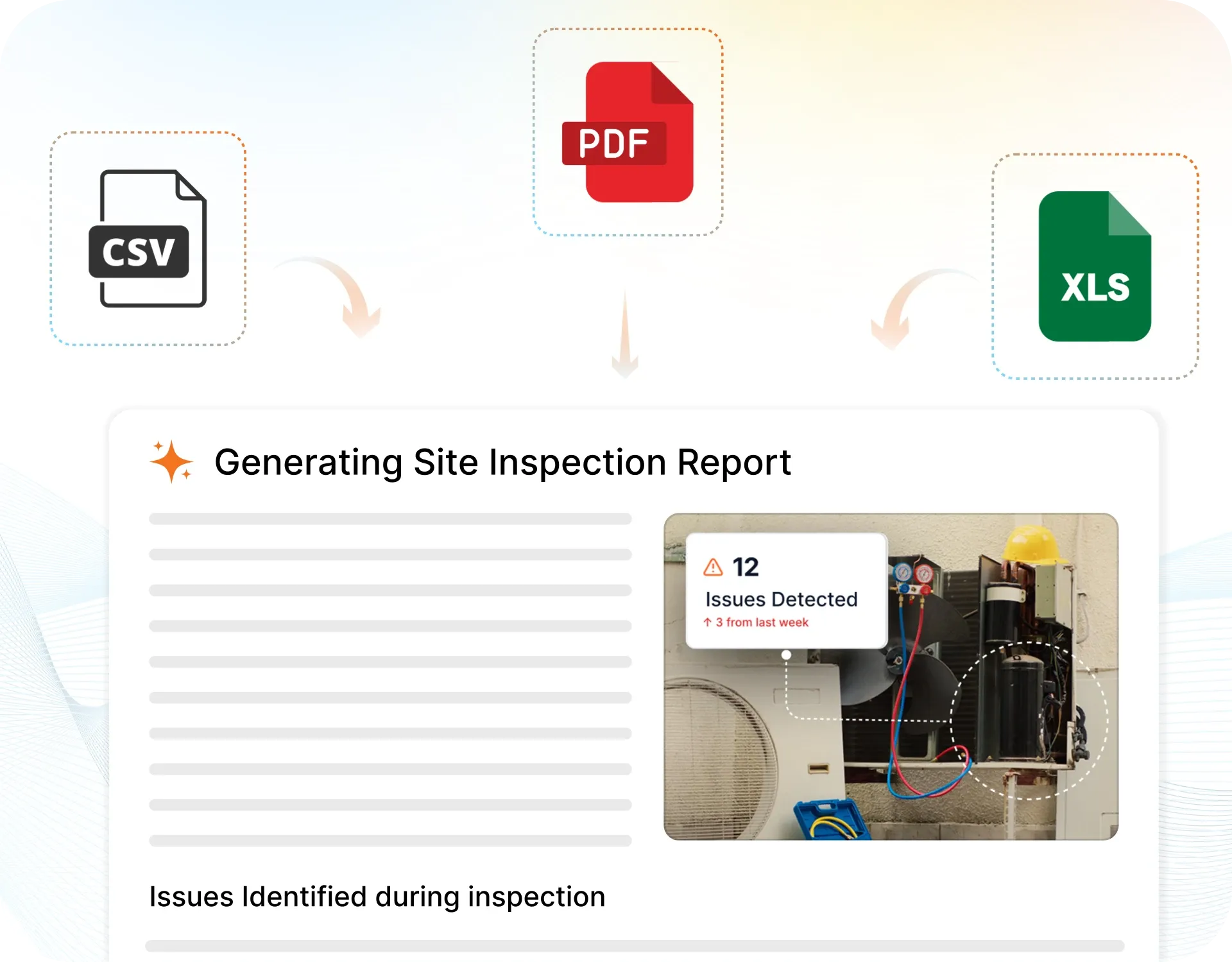
The moment an inspection is submitted, a branded PDF, Excel, or CSV report generates automatically. No manual work. No waiting.
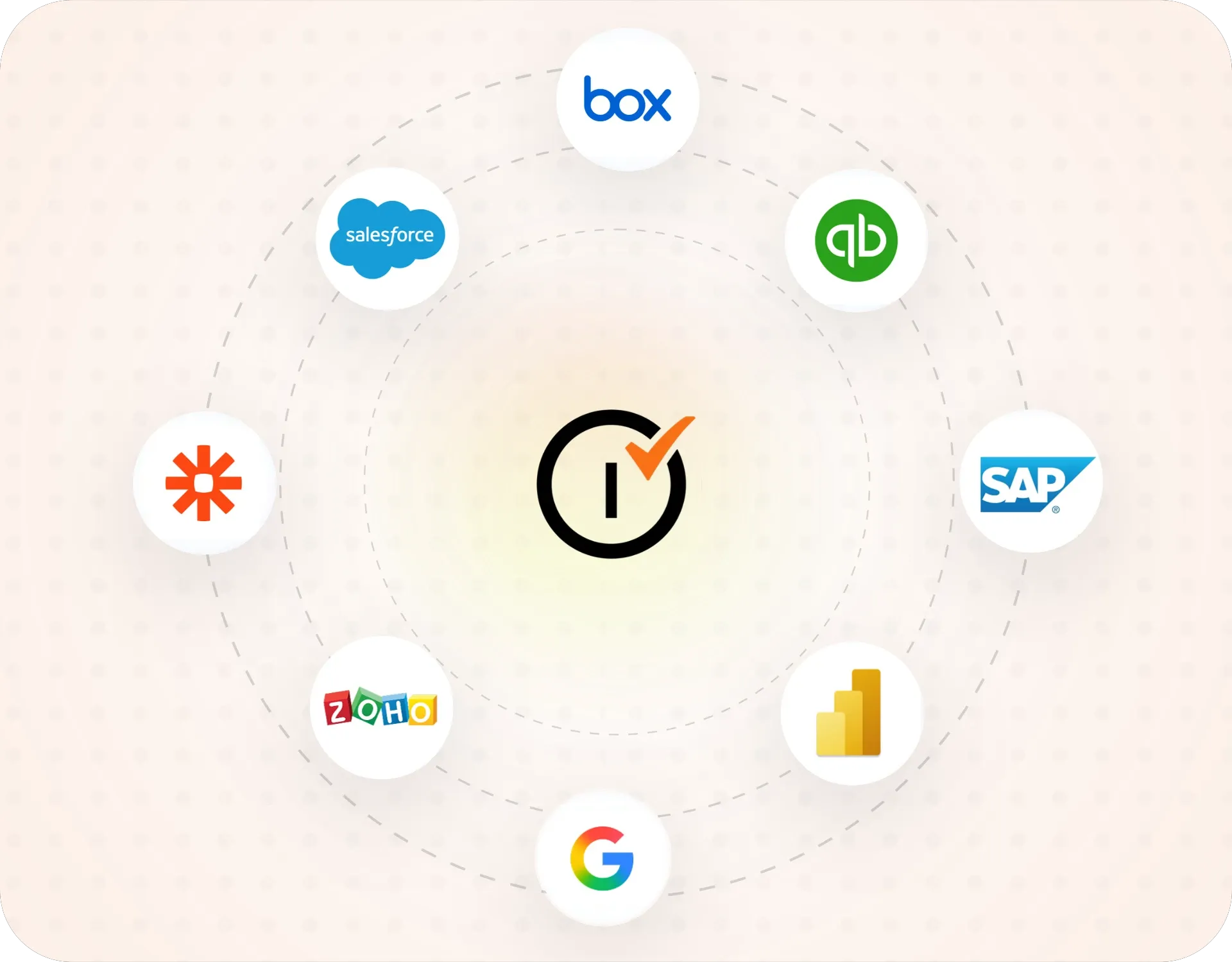
Inspectly360 integrates with the tools your team already uses, including Zoho, Microsoft 365, and SAP. No double entry.
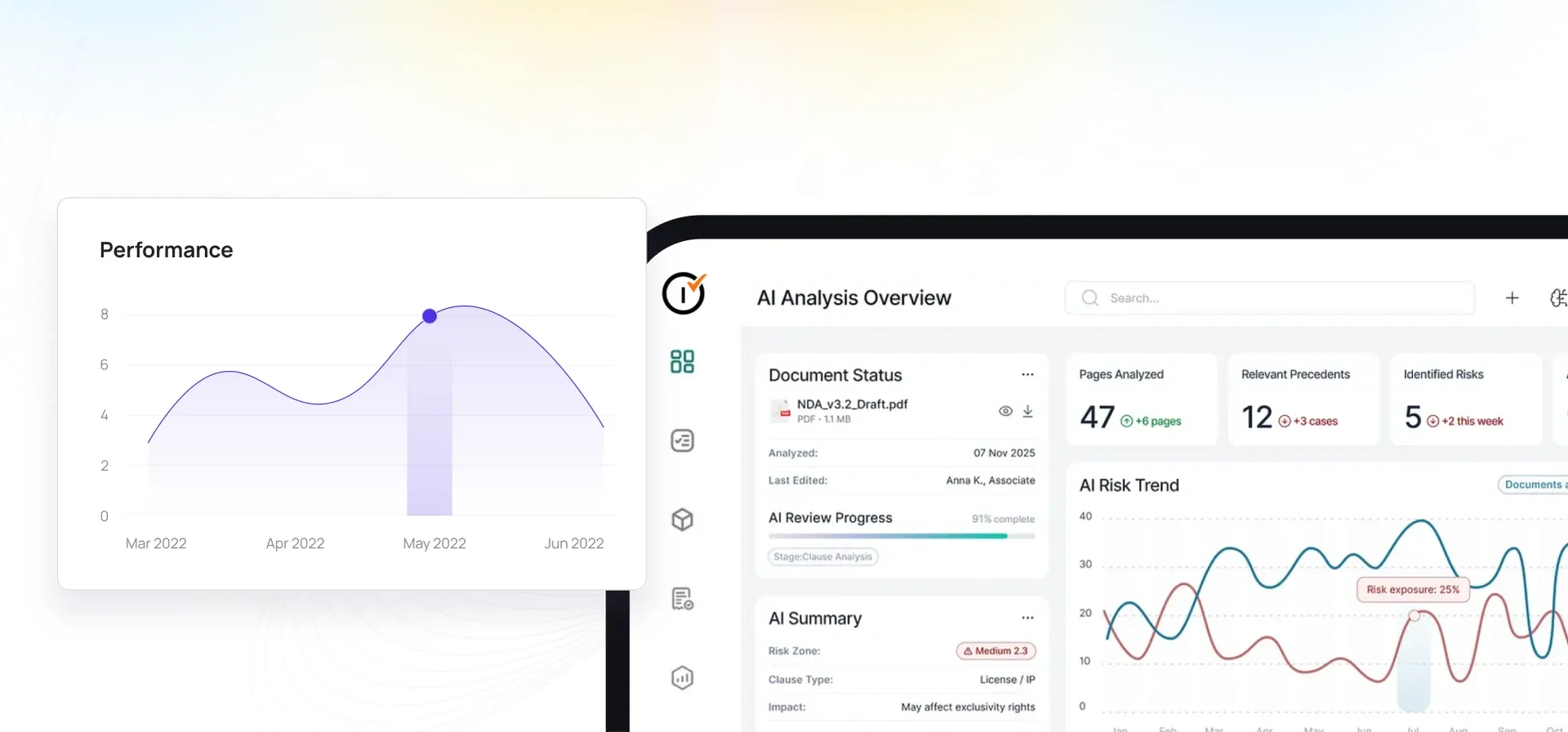
Your operations team sees completion rates, open issues, and compliance scores across all sites in real time. No chasing updates.
Hand-picked templates for your specific industry needs.

Pre-handover snagging for new build apartments. Room-by-room finish checks, MEP, and defect tracking before keys.

Snagging and punch list for new build houses. Defect capture, evidence, and closeout before handover.

Kitchen snagging: cabinets, worktops, appliances, tiling, plumbing, and electrical checks.
Bathroom snagging: tiling, sanitaryware, plumbing, ventilation, and finish quality.
From safety to quality to compliance: run inspections, audits, and checklists in the field with the right app for your workflow.

by Inspectly360
Simplify facilities inspections with forms, photos, and reports.

by Inspectly360
Building condition and compliance inspections with evidence and follow-ups.

by Inspectly360
Property and real estate inspections, condition reports, and tenant checks.

by Inspectly360
Site-level inspections for construction, safety, and compliance.

by Inspectly360
Co-working space safety and condition inspections with corrective actions.







“Inspectly360 transformed how we manage site safety inspections. The offline capability alone saved us countless hours. Our compliance rate jumped from 72% to 96% in just three months.”
Sarah Mitchell
Meridian Construction Group

“The AI-powered defect detection has changed how we work. Our inspectors capture photos and the system flags issues we'd have missed. It's like having an expert reviewer on every site visit.”
James Chen
Pacific Manufacturing Co.
“Rolling out digital checklists across multiple projects gave us instant visibility into recurring safety issues. We now resolve critical findings in hours instead of days.”
Olivia Carter
Northbridge Infrastructure
Inspectly360 is AI inspection software for field and facility teams. Teams build digital checklists, run inspections on a mobile app, and capture photo proof on site. The app works offline, so inspectors record findings even without a signal, then sync when they reconnect. Managers track open issues across every site on one live dashboard. Inspectly360 also turns each completed inspection into a formatted audit report in minutes, which removes manual paperwork. Teams in facilities management, construction, healthcare, food safety, and manufacturing use it to replace paper forms and spreadsheets.
Yes. Inspectly360 runs inspections without an internet connection. Inspectors open a checklist, answer each item, and attach photos while offline. The app stores every entry on the device. When the phone reconnects to mobile data or wifi, Inspectly360 syncs the inspection to the cloud automatically. This matters for basements, plant rooms, remote sites, and buildings with weak signal. Field teams never lose data or repeat work because of a dropped connection. Managers see the synced results on the dashboard as soon as the device uploads them.
Yes. Inspectly360 is built for multi-site teams that inspect many buildings or locations. Each site keeps its own checklists, schedules, and history. Inspectors submit reports from any location using the same mobile app. Managers open one live dashboard to see open issues, overdue inspections, and compliance status across every site. Filters let a regional manager compare performance between locations. Corrective actions stay linked to the site and the person responsible. This gives head-office teams a single view instead of chasing separate spreadsheets or email threads from each location.
Inspectly360 turns each completed inspection into a formatted report automatically. As the inspector answers checklist items and adds photos, the app records every response with a timestamp. When the inspection ends, Inspectly360 assembles the findings, photo evidence, and scores into a branded PDF or online report. The report is ready to share in minutes, not hours. Teams send it to clients, managers, or auditors directly from the app. This removes the manual step of typing notes into Word or Excel after a site visit. AI also helps summarise findings and suggest corrective actions.
Inspectly360 supports inspection and audit workflows across many sectors. Facilities management teams run daily rounds, PPM checks, and AMC tracking. Construction teams manage snagging, punch lists, and pre-handover inspections. Healthcare teams prepare for NABH and NABL audits. Food and beverage teams run FSSAI and HACCP hygiene checks. Manufacturing teams handle quality control and CAPA. Real estate teams in India and the UAE use it for property snagging and RERA handovers. Any team that inspects sites, records issues, and needs audit-ready reports can use the same platform.
See Inspectly360 in action with a live demo tailored to your needs. No credit card required.


